In short
Your Google Business Profile is often the first and only thing a client sees before they book. A complete, active profile with the right categories, a booking link, real photos and answered reviews wins bookings. A thin, forgotten one hands them to the salon down the road.
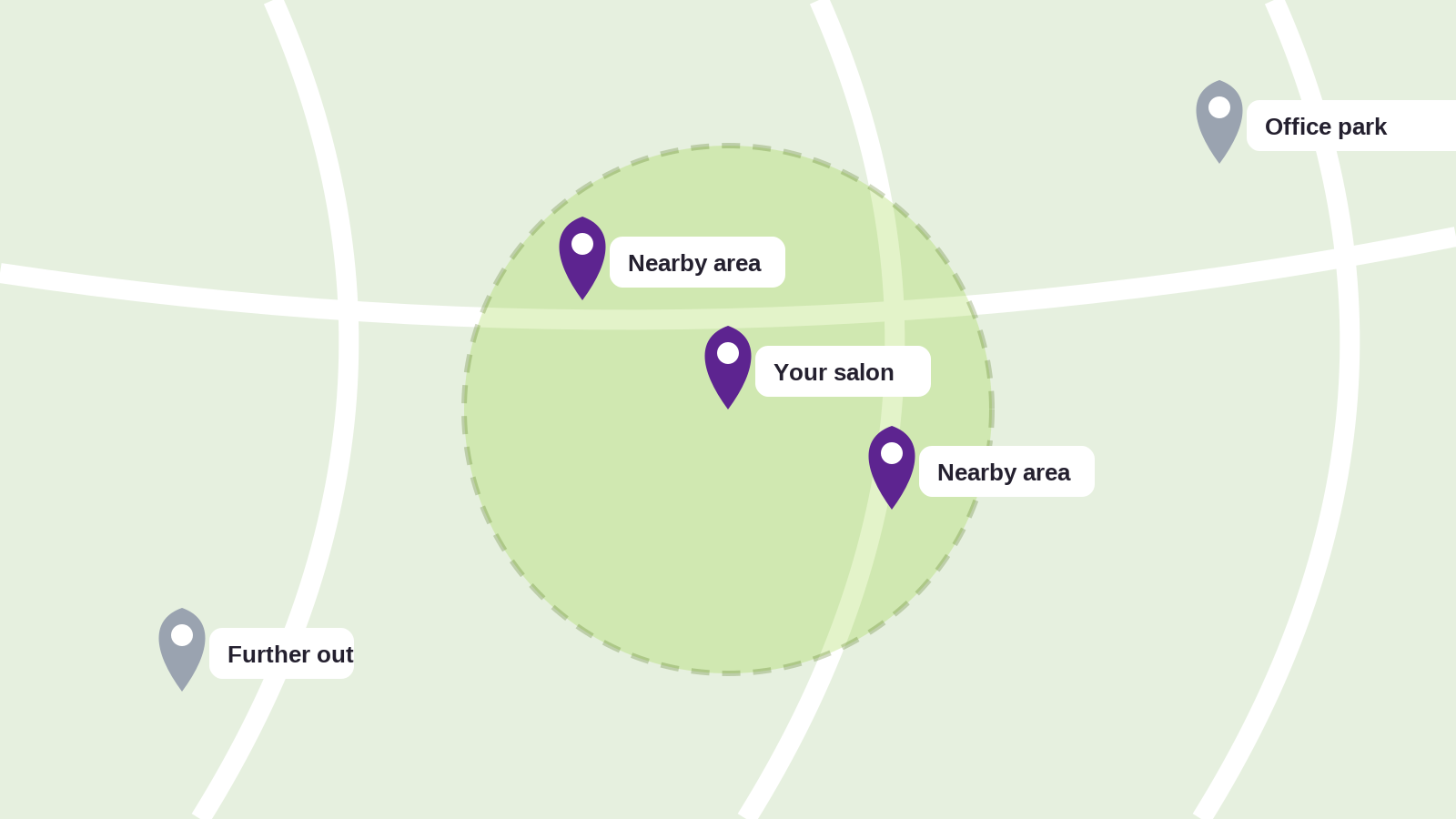
When someone searches "hairdresser near me" or "nail salon" plus your town, Google shows a map with three salons. Many clients choose from that box without ever visiting a website.
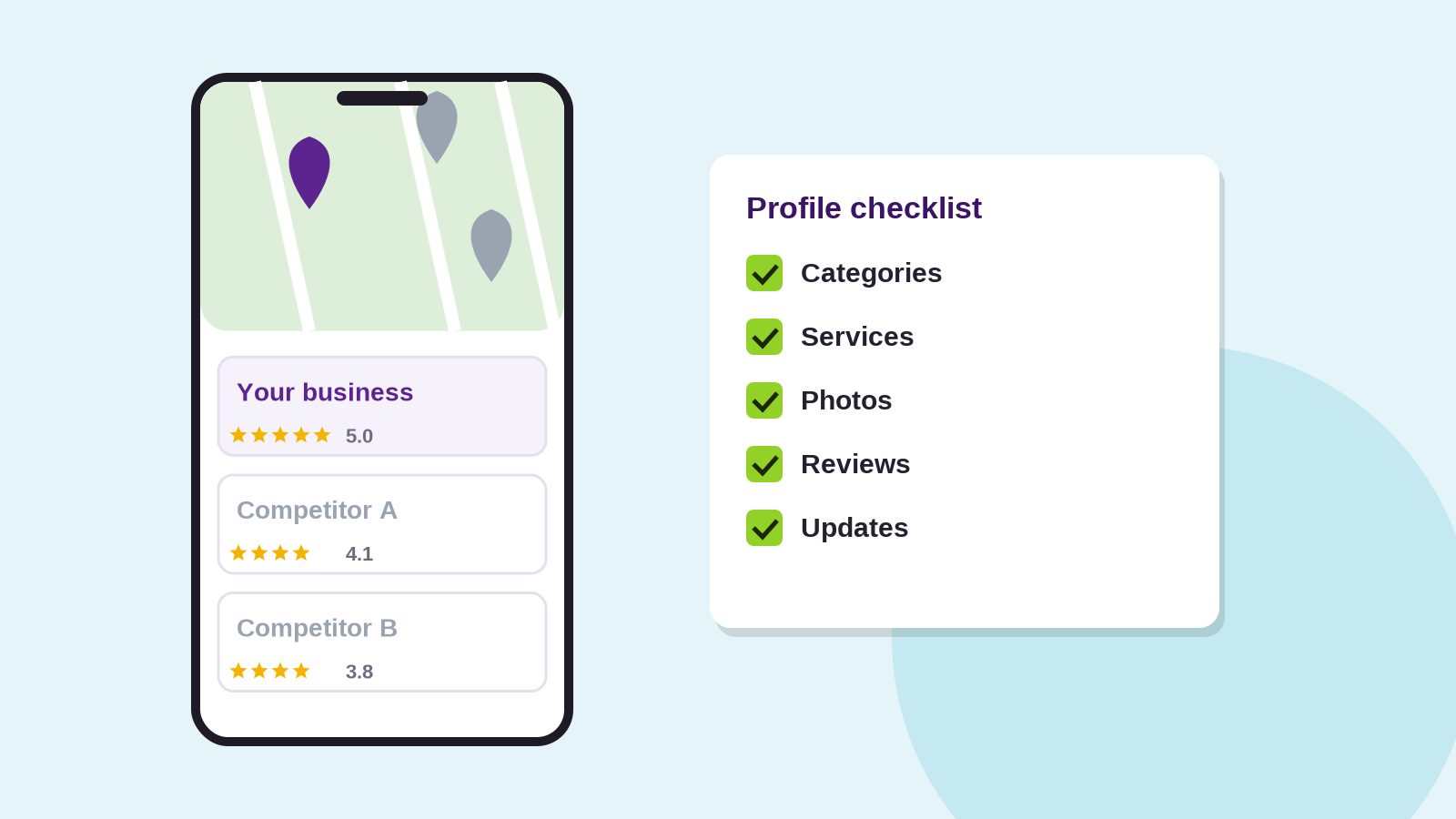
The checklist
| Section | What good looks like | How often |
|---|---|---|
| Business name | Your real salon name only. No added keywords or towns. | Once |
| Primary category | The one that best matches most of your work, such as "Hair salon", "Barber shop", "Beauty salon" or "Nail salon". | Once, review yearly |
| Secondary categories | Only ones that genuinely fit, such as "Hair extension technician" or "Eyebrow bar". | Once, review yearly |
| Booking link | Goes straight to your online booking page. | Check monthly |
| Phone number | The number you actually answer. | Check monthly |
| Hours | Accurate, with special hours for bank holidays and Christmas. | Before each holiday |
| Services | Each service listed with a short description and, ideally, a from-price. | Once, then update |
| Photos | Real recent work, the salon inside and out, and your team. No stock images. | Weekly |
| Reviews | A steady flow of new reviews, every one answered. | Weekly |
| Updates (posts) | Recent work, offers, cancellations and seasonal news. | Weekly |
| Suggested edits | Checked and rejected if wrong. | Check weekly |
Get the category right
Your primary category matters more than almost anything else. Choose the one that matches most of your work, then add a few accurate secondary ones.
Photos sell
Clients judge salons by photos. Add before-and-afters (with permission), close-ups of colour, fades or nails, and a few photos of the salon so people know what to expect when they walk in.
Tip
Ask your team to drop their best photos into a shared folder or group chat at the end of each day. Once a week, pick the best and add them to your profile.
Reply to every review
Say this
Thank you so much, Priya! We're so glad you love your new colour. See you in six weeks. Emma and the team
Watch for edits
Anyone can suggest changes to your profile, and Google sometimes accepts them automatically. Check regularly that your hours, phone number and booking link are still right.
What not to do
Adding keywords to your name, such as "Best Hair Salon Guildford Balayage", breaks Google's guidelines and can lead to suspension.
Do this today
- Check your primary category and booking link.
- Update your hours, including the next bank holiday.
- Add five recent photos of your work.
- Reply to every unanswered review.
How Websites for Salons helps
We manage your profile for you as part of the monthly service: categories, services, weekly photos via Photos of Work, regular posts and checks on edits, with reviews handled through Managing Reviews. Everything is included for £225 + VAT a month with the website included. You can see how it works on our how it works page or book a free 30-minute call through our contact page.